
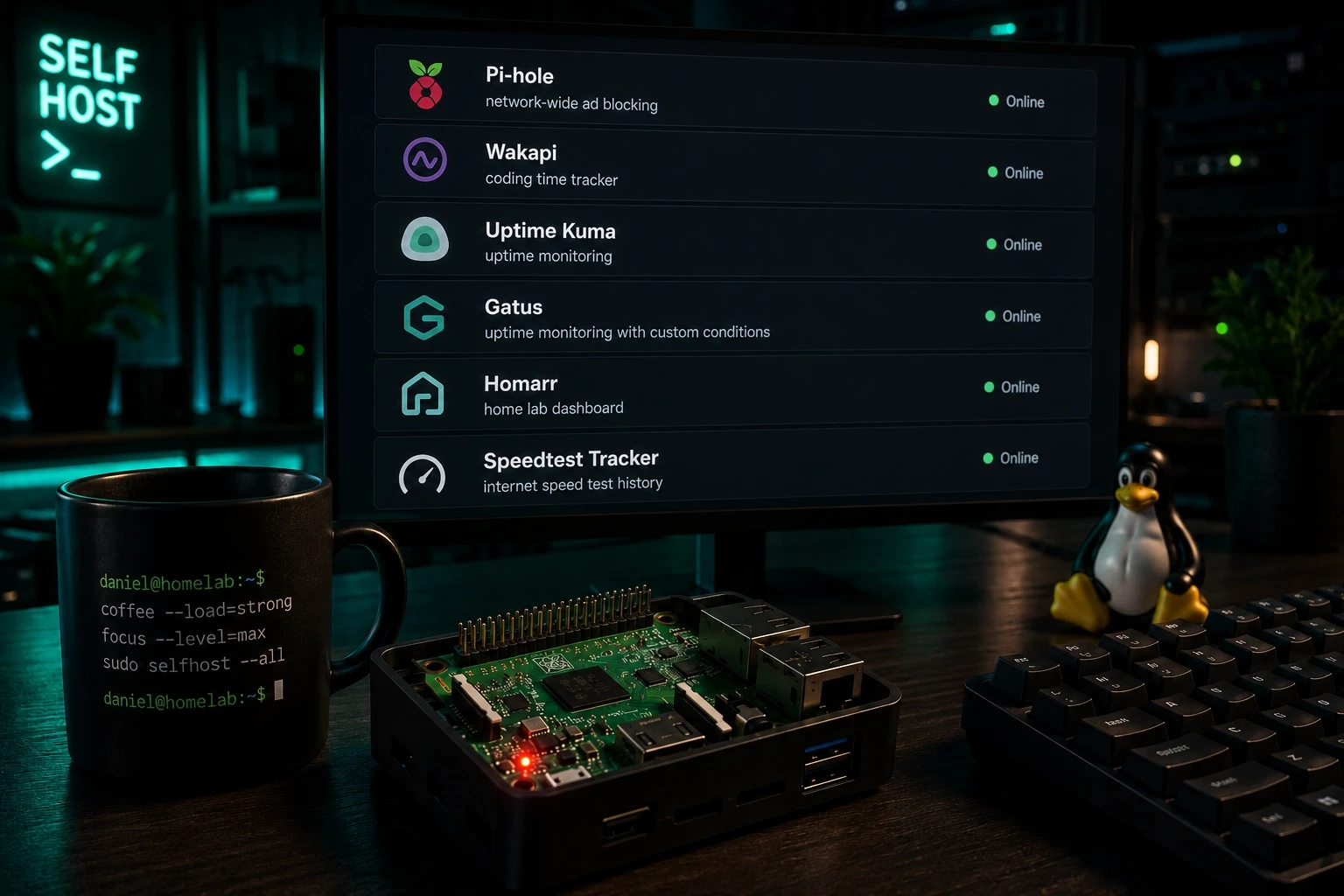
If you're running a server or a Raspberry Pi at home, a handful of self-hosted services make the whole setup dramatically more useful. None of them need much in the way of resources, and each one solves a specific, everyday problem: fewer ads, a clear picture of your coding time, and a heads-up the moment something goes down.
Pi-hole
One of the most valuable services I self-host on my Raspberry Pi is Pi-hole, a network-wide ad blocker. Point your router (or just your individual devices) at Pi-hole as the DNS server, and it blocks ads across your whole network, no per-device extension required.
Pi-hole works by subscribing to blocklists: curated lists of ad and tracker domains it simply refuses to resolve. It works great, though the more aggressive lists occasionally block a bit of legitimate traffic too, so it's worth checking your query log if a site suddenly stops behaving. Still, I'd recommend it to anyone running a home network.
Wakapi
If you're a developer, Wakapi is worth setting up just to see where your time actually goes. It tracks how long you've been working on a project, which languages you used, which machine you were on, and a lot more, then turns all of it into statistics you can check whenever you're curious how much time a project really took.
It's basically a self-hosted alternative to WakaTime, and it's satisfying to have real numbers instead of a rough guess.
Uptime Kuma and Gatus
If you've never heard of Uptime Kuma or Gatus, there's a good chance you haven't run a server with your own services on it yet — these are the tools that tell you when something breaks.
Both check your services at regular intervals and fire off a notification (I use ntfy for that) the moment something stops responding. The difference is in how deep you can go: Uptime Kuma checks whether a service answers at all, while Gatus lets you configure much more specific conditions, for example triggering an alert if a response takes longer than 500ms.
Rule of thumb: use Gatus if you want to track something specific, and Uptime Kuma if you just want simple up/down monitoring.
Speedtest Tracker
Uptime Kuma and Gatus tell you when a service goes down, but neither tells you if your internet connection is actually any good. Speedtest Tracker runs the Speedtest CLI on a schedule and logs download speed, upload speed, ping, and packet loss over time, plotting all of it on a dashboard.
I use it to catch the slow, gradual kind of problem a single manual speed test would never show, like a connection that quietly degrades over a few weeks. You can also set alerts to fire if performance drops below a threshold you're not willing to accept.
Homarr
If you're a geek like me, you probably have a lot of things running, whether that's on a server on the internet or locally at home. Homarr exists to give you an overview of all of it in one place: a dashboard you build yourself, with Pi-hole statistics, quick links to your services, widgets, and a lot more.
I'll be honest, I barely use it right now, mostly because I haven't gotten around to setting up a dashboard that actually reflects what I care about. But I really like the idea of one screen where everything worth watching shows up as a widget, and it's on my list to configure properly.
Conclusion
That's the shortlist: Pi-hole for ads, Wakapi for tracking your dev time, Uptime Kuma or Gatus for service monitoring, Speedtest Tracker for keeping an eye on your actual connection speed, and Homarr if you want it all in one dashboard. A device as small and cheap as a Raspberry Pi handles all of it without breaking a sweat.
If you're running something else that deserves a spot on this list, drop it in the comments below.
Comments
No comments yet — be the first!